
Player-reported evidence: reproduce these steps on your platform and demo build. They are not publisher promises or universal results.
DIRECT ANSWER
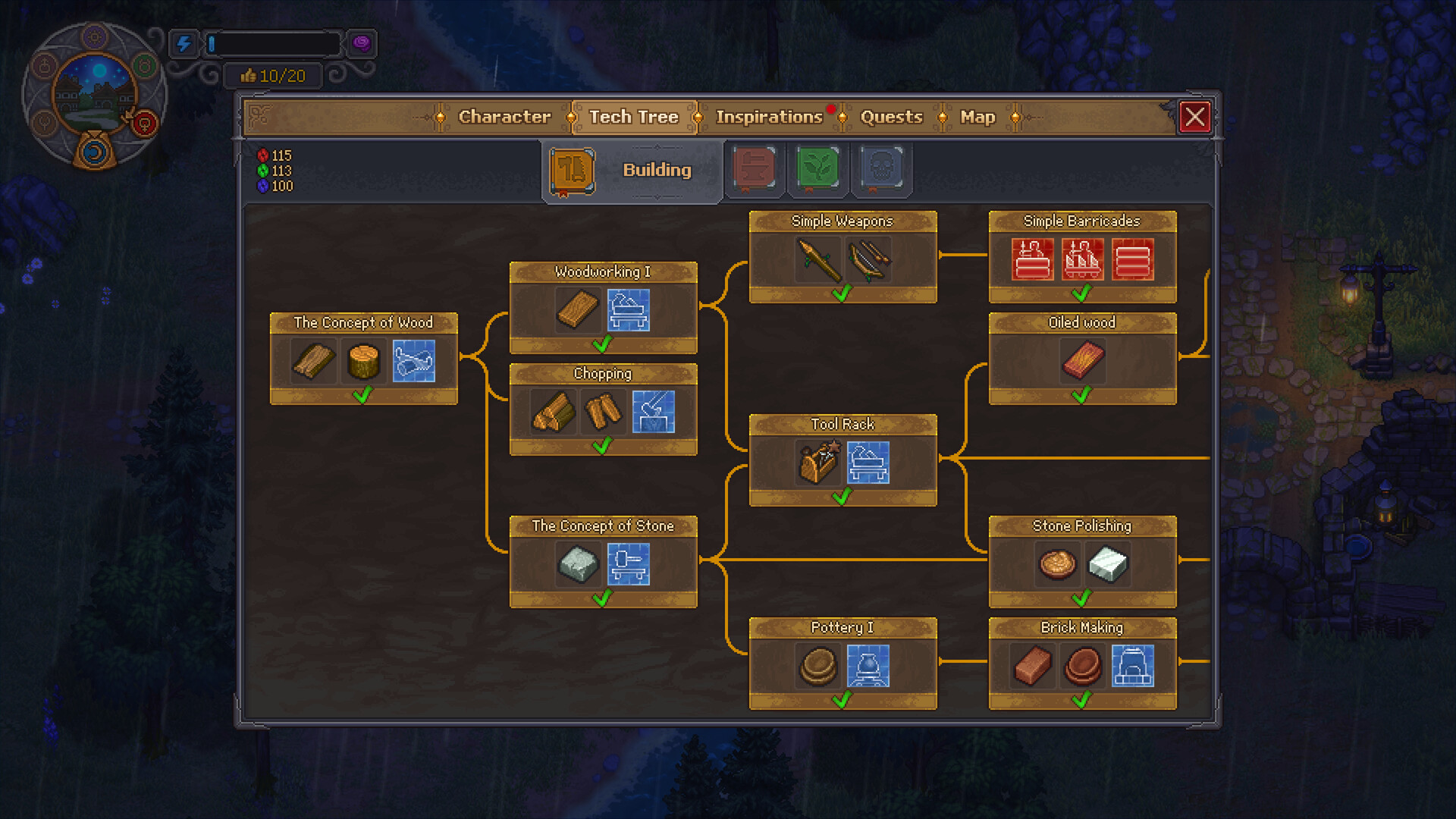
Player-reported Steam demo steps are: unlock Fishing I on the Farming Tech Tree, get the Basic Fishing Rod from the blacksmith twins in Twins Land, equip or activate it at a pond fishing point, then follow the on-screen minigame prompt. One recorded route shows no bait required for the early pond.
Evidence state
Player reportedConfirmed now
- Fishing is visible in recorded demo play.
- The reported chain names Fishing I, a Basic Fishing Rod, the blacksmith twins, and Twins Land.
- Early fish shown in the report include Crucian, Gudgeon, and Herring.
Launch check
- Exact controls by platform.
- Quest and dialogue prerequisites.
- Bait rules outside the early pond.
- Fish tables, time windows, and launch-build changes.
FIELD DECISION / 01
Steps to follow
- Unlock Fishing IOpen the Farming branch and confirm the Fishing I node is available before looking for a rod interaction.
- Visit the blacksmith twinsThe recorded demo route associates the first Basic Fishing Rod with the twins at Twins Land; read their current dialogue and objective text.
- Use a pond fishing pointEquip or activate the rod at the visible interaction point. Follow the button prompt shown for your controller or keyboard.
- Try the early pond without baitThe cited demo recording shows the pond minigame working without bait. Do not generalize that to every fishing location or the launch build.
WHY THIS WORKS
Why this route is reliable
The route follows the reported unlock, provider, tool, and interaction sequence. Keeping platform controls and broader bait rules unclaimed prevents one Steam demonstration from becoming a universal fact.
IF IT DOES NOT WORK
Failure states and fixes
| Symptom | Check | Next move |
|---|---|---|
| No fishing interaction appears. | Confirm Fishing I, Basic Fishing Rod, active objective, and a marked fishing point. | Resolve the missing unlock or rod step before changing controls. |
| The rod is present but the minigame does not start. | Read the platform prompt and confirm the exact interaction zone. | Re-enter the fishing point and use the displayed input; report build/platform if it still fails. |
| A location asks for bait. | Compare it with the early pond shown in the report. | Treat bait requirements as location-specific until a complete table is verified. |
LEDGER NOTE / 02
Evidence boundary
The Steam store does not document the fishing unlock sequence. These steps come from a recent player video with named chapters, so the page is intentionally labelled player-reported rather than official or universally demo-verified.
LEDGER NOTE / 03
Launch-day recheck
The Sep 22 pass will verify node name, branch, rod source, dialogue prerequisite, fishing spots, controls, bait behavior, fish tables, and whether the imported demo save preserves the unlock.