
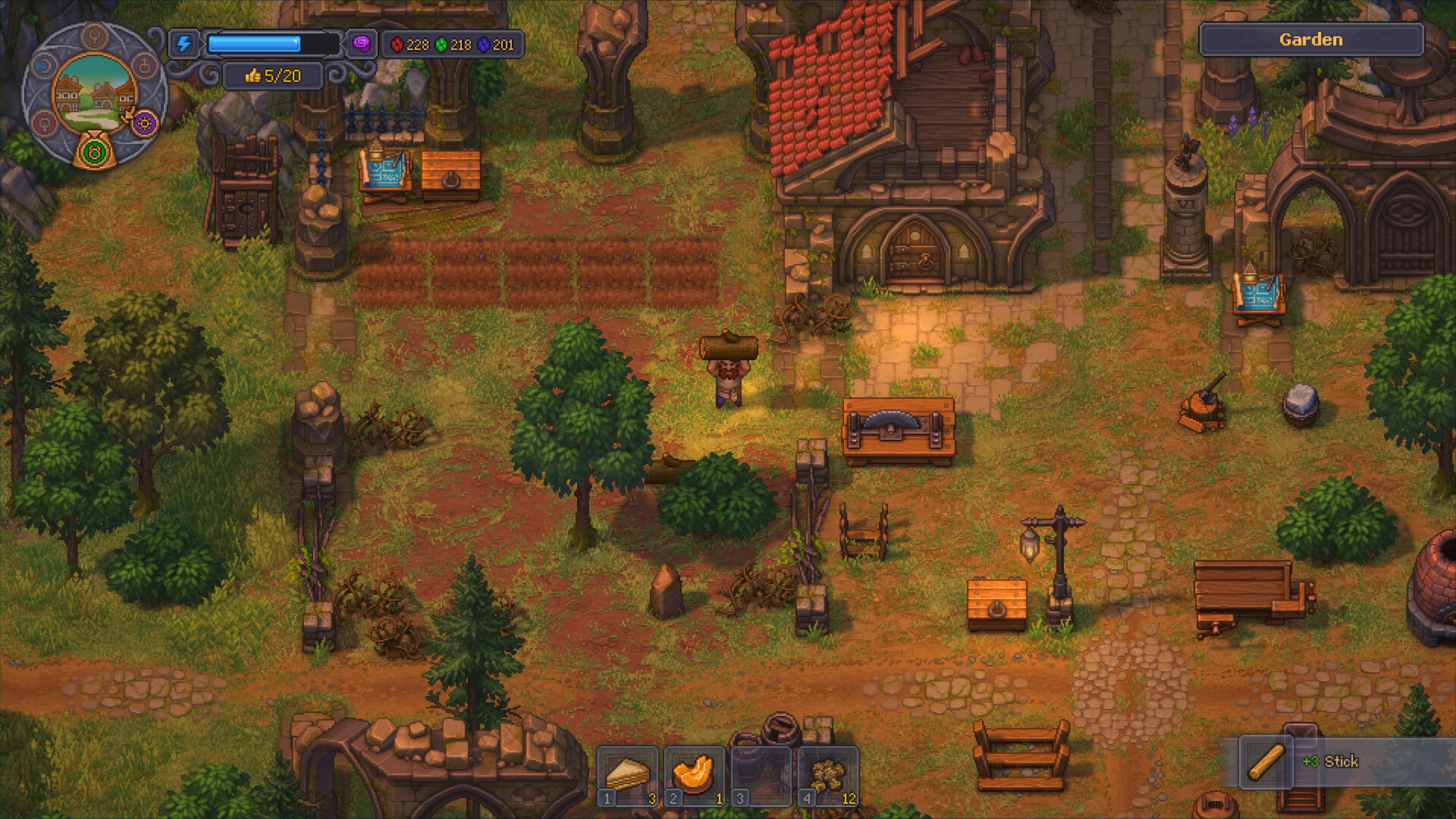
DIRECT ANSWER
Graveyard Keeper 2 does not have a confirmed Steam Deck compatibility result in the current evidence. Steam lists a Windows build with full controller support, but that is not the same as Deck Verified or Playable. Treat any demo success as player-reported hardware evidence.
Evidence state
Launch pendingConfirmed now
- Steam lists Windows, full controller support, and current PC requirements.
- No official Deck rating is recorded in the current source ledger.
- Original Graveyard Keeper Deck videos do not prove sequel compatibility.
Launch check
- Valve compatibility rating.
- Proton version, launch behavior, controls, text size, battery, performance, suspend/resume, and save sync.
FIELD DECISION / 01
Steps to follow
- Check the live Steam compatibility badgeUse the current product page or Deck library detail; do not rely on a cached screenshot.
- Test the free demoIf installation is offered, record SteamOS version, Proton selection, resolution, preset, controls, and the exact demo build.
- Keep settings conservativeStart with defaults and change one variable at a time. Avoid publishing an FPS target without a repeatable measurement.
- Verify suspend and save behaviorCompatibility includes readable UI, input, resume, and save integrity—not only reaching the title screen.
WHY THIS WORKS
Why this route is reliable
A device/build/settings record can support a player report without misrepresenting it as Valve or developer certification.
IF IT DOES NOT WORK
Failure states and fixes
| Symptom | Check | Next move |
|---|---|---|
| The demo launches but controls or text are unusable. | Review controller layout, scaling, resolution, and current Proton version. | Report it as limited compatibility rather than “works perfectly.” |
| A video shows the first game working on Deck. | Verify the title and Steam App ID. | Do not transfer compatibility conclusions from Graveyard Keeper to App 4358690/5075680. |
LEDGER NOTE / 02
Current official boundary
Windows support and full controller support are official. Steam Deck certification, SteamOS support, Proton behavior, battery life, and handheld UI quality are not confirmed by those labels.
LEDGER NOTE / 03
Sep 22 recheck
The launch strike will re-read the compatibility badge and, if reliable player testing is available, separate Valve status from named device/build observations.